
Members and access
Mocco has two kinds of permission. A person's workspace role (owner, admin or member) decides who manages the workspace. Roles you define on the Access page, such as deployer or mobile-release, decide who may approve: a gate, a protected flag environment or OTA channel, or a raised minimum app version names a role, and only people in it can approve.
Approvals work this way so that GitHub write access and approving a production change stay separate. Someone can push code without being able to approve its release, and an approver doesn't need to be a repository admin.
Members
The workspace's Members page lists everyone in the workspace with their name, email and workspace role.
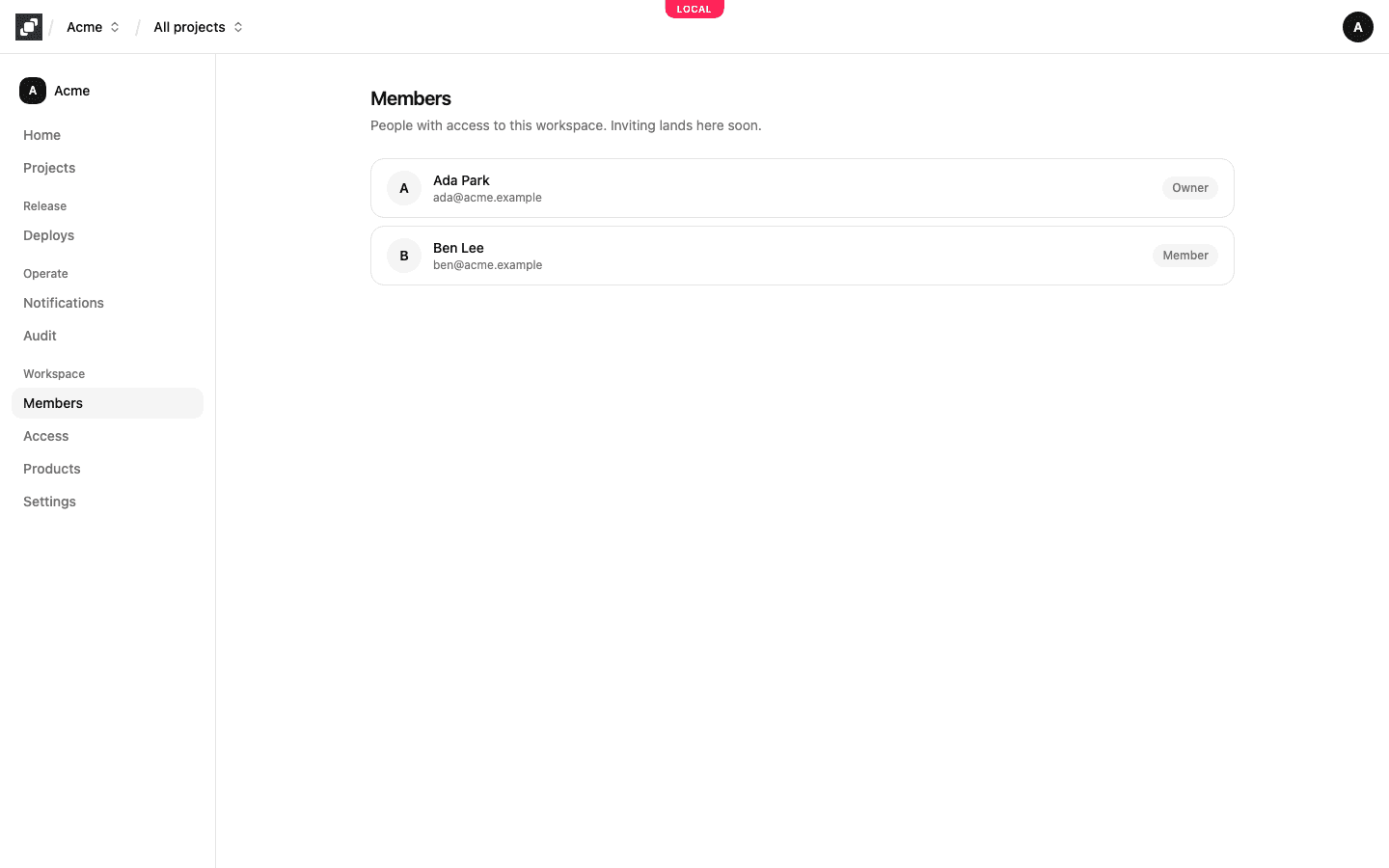
Whoever creates a workspace is its owner. Mocco doesn't send invitations yet, and the console can't change a member's workspace role: the Members page lists the people already in the workspace, and inviting will be added there.
What owners, admins and members can do
Every member can see everything in the workspace and work in its projects: create projects, add apps, turn products on, change flags and OTA settings, reply in the inbox, and start pipeline runs. A change to something protected still waits for approval, whoever makes it.
Owners and admins can also make the changes that decide who has power over what:
create and delete roles, and add and remove the people in them, on the Access page
add and remove Credential releases, which decide which pipeline may receive a production credential
create and revoke a project's API keys
add and remove notification channels and their rules, and webhook sources
add OTA hosting trust policies and signing certificates
choose who may use a flag environment's kill switch
Members see these settings read-only; the page says "You have read-only access; owners and admins manage …". Mocco checks the workspace role on every change, so hiding a button is never the only protection.
Deleting the workspace, on its Settings page, is for owners only.
Roles on the Access page
Open Access in the workspace's side nav. Type a role name, for example deployer, and choose Create role. In the role's card, pick a member from Select a member… and choose Add. Remove takes a person out of the role, and Delete role removes the role.
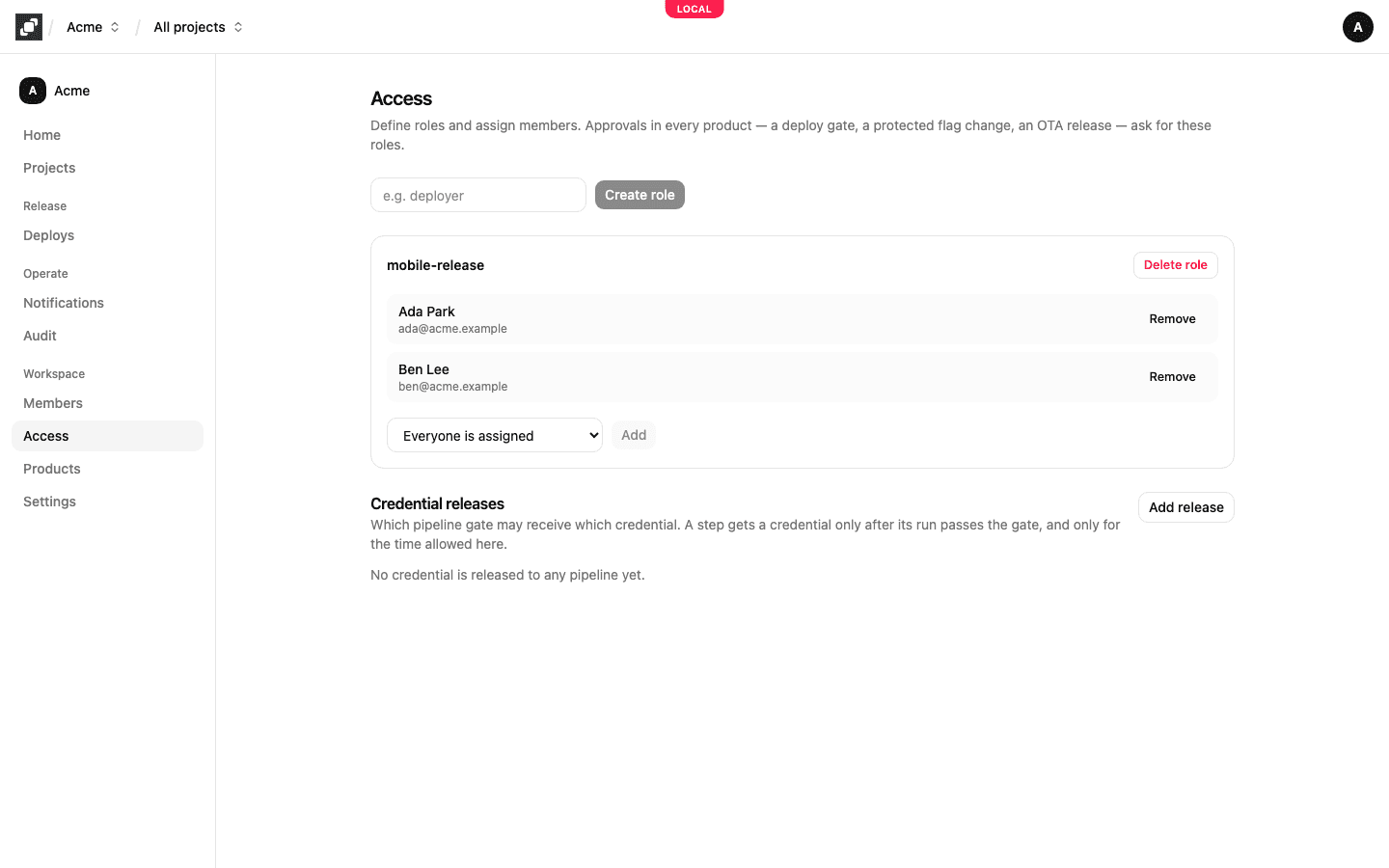
A role means nothing on its own. It takes effect where something names it:
A gate in a
.mocco.ymlpipeline, such asresume: [{ role: deployer, count: 2 }]: two people indeployermust approve. See Deploy governance.The protection on a flag environment or an OTA channel, and approvals on a version policy: see the feature flags quickstart and Force update.
When a gate needs several roles, each person counts once, even if they hold more than one of the roles. When self-approval is barred (prevent_self: true on a gate, Not the requester on a protection), the person who started a run or proposed a change can't approve it.
Because only owners and admins can change roles, a member can't add themselves to an approver role and approve their own change.
Credential releases
The Credential releases section of the Access page lists which pipeline gate may receive which credential: a repository, a pipeline, the gate that must be approved first, the credential's provider and name, and the longest time it is valid. A step gets the credential only after its run passes that gate. See Deploy governance and Release a token to your pipeline.
Every resumed or rejected gate, every decided approval request, and every credential Mocco hands out or refuses is recorded in the audit log.