
Let visitors subscribe
Visitors of your public status page can be told when something happens instead of checking the page. Each published incident update and each maintenance window that is scheduled, starts, ends or is canceled reaches them in one of three ways:
Email, from the form on the page.
A signed webhook, for a team that wants the events in its own tools.
The Atom feed,
feed.atomnext to the page, for any feed reader.
Drafts are never sent: a monitor's draft incident reaches subscribers only when you publish it. Nothing needs turning on for a page: the form is there whenever your Mocco server sends email.
1. Subscribing by email
The page has a Get updates form under its components. A visitor enters an address and can open Only some components to hear only about the parts of your service they use. An incident about no component in particular, and maintenance that covers none, still reaches everyone.
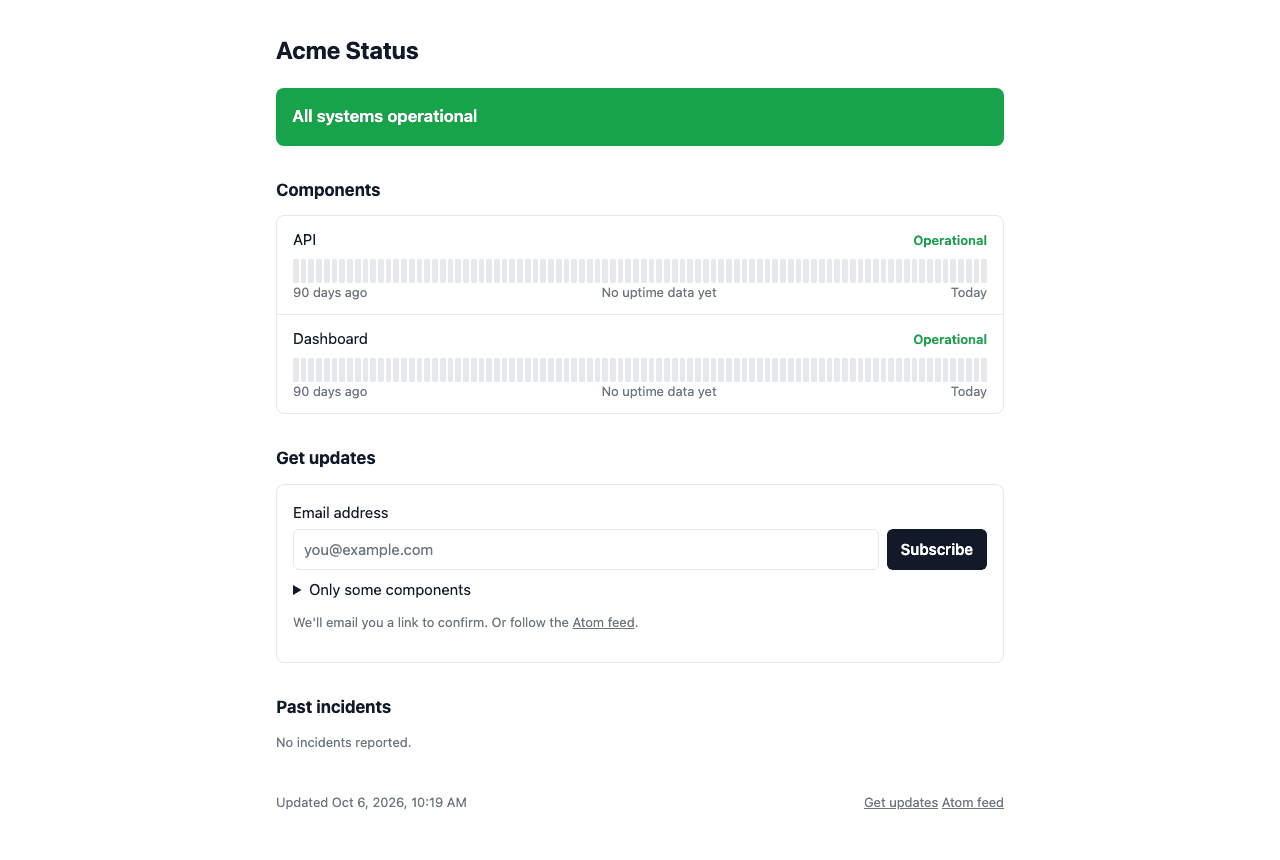
The visitor is asked to check their inbox:
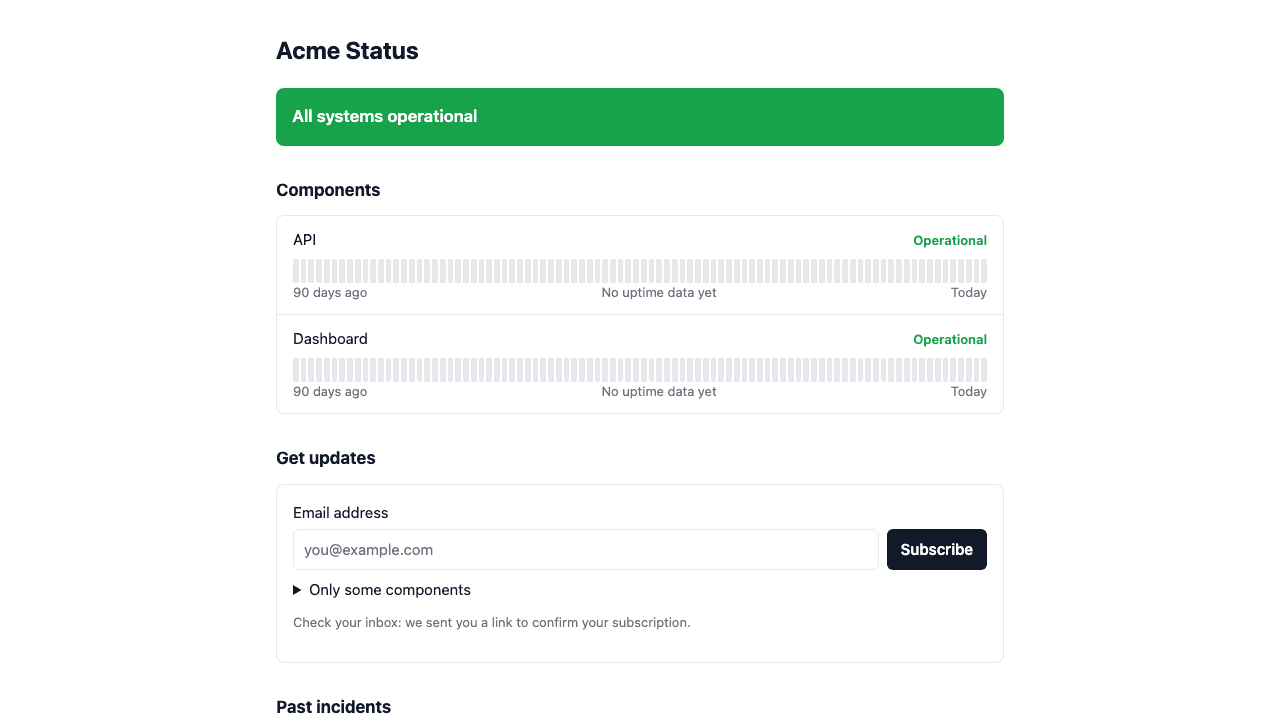
Nothing is sent to an address until its owner opens the link in the confirmation mail (double opt-in). The link works for 7 days, and a sign-up that is never confirmed is deleted after that. Opening it confirms the subscription:
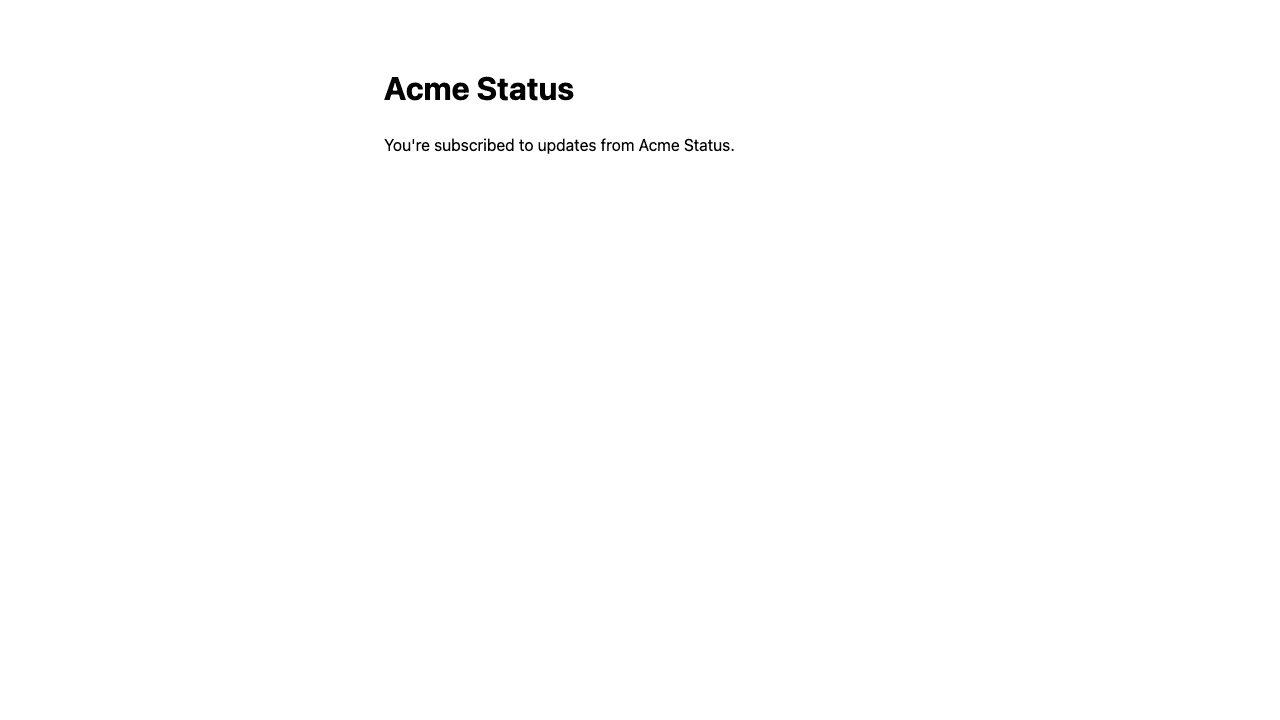
From then on every mail says what changed (the incident and its status, or the maintenance window and its times in UTC), the components it affects, and ends with an Unsubscribe link. Mail clients also show their own unsubscribe button, which works in one click. A subscriber chooses English or Korean mail; the form signs visitors up in English.
The form works without JavaScript too, and when Mocco can't be reached it only says "We couldn't sign you up right now. Try again later." The rest of the page keeps working: it never depends on the form.
Signing up again with the same address doesn't send a second confirmation within 10 minutes, and an address that already follows the page is left as it is, so nobody can change someone else's choices. The form answers the same in every case, so it can't be used to find out who follows your page. Sign-ups are limited per visitor and per address.
2. Subscribing with a webhook
Webhooks are signed up with a request, not from the form:
curl -X POST https://<your Mocco host>/api/ext/v1/status-pages/<page address>/subscribers \
  -H 'Content-Type: application/json' \
  -d '{ "channel": "webhook", "url": "https://hooks.example.com/mocco-status" }'
Add "componentIds": ["…"] to hear about some components only; the ids are in the page's snapshot.json. The answer holds the webhook's signing secret, shown this once:
{ "status": "pending_confirmation", "secret": "whsec_…" }Store it where your receiver can read it. Mocco keeps it encrypted and never shows it again; to replace it, unsubscribe the URL and sign it up again.
The URL must be https, carry no user name or password, and point at a public address: Mocco refuses private, loopback, link-local and cloud metadata addresses when you sign up and again every time it connects, and it never follows a redirect.
Confirm it
The first event your URL gets is subscription.confirmation. Open its links.confirm URL (a GET from your receiver, or by hand) to start the subscription. Until then the URL gets nothing else.
What each event looks like
Every event is a POST with a JSON body:
{
  "type": "incident.updated",
  "sentAt": "2026-10-06T09:00:00.000Z",
  "page": { "slug": "acme", "title": "Acme Status" },
  "data": {
    "incidentTitle": "Elevated errors",
    "status": "identified",
    "body": "A bad deploy. Rolling back.",
    "components": ["API"],
    "postedAt": "2026-10-06T09:00:00.000Z"
  },
  "links": { "unsubscribe": "https://…/subscribers/unsubscribe?token=…" }
}
type is subscription.confirmation, incident.updated or maintenance.updated. A maintenance event's data has the window's title, status (scheduled, in_progress, completed, canceled), body, components, scheduledStart and scheduledEnd.
Answer with any 2xx. Mocco retries a timeout, a 408, 429 or 5xx with backoff (8 attempts). Another 4xx or a redirect is not retried, and 410 Gone unsubscribes the URL. Each event is sent at most once; its webhook-id stays the same on every retry, so a duplicate is easy to drop.
Check the signature
Events follow Standard Webhooks: webhook-id, webhook-timestamp (unix seconds) and webhook-signature: v1,<base64 HMAC-SHA256> of id.timestamp.body, keyed by the secret after its whsec_ prefix. In Node:
import { createHmac, timingSafeEqual } from 'node:crypto';

function isFromMocco(headers: Record<string, string>, rawBody: string, secret: string): boolean {
  const key = Buffer.from(secret.slice('whsec_'.length), 'base64');
  const signed = `${headers['webhook-id']}.${headers['webhook-timestamp']}.${rawBody}`;
  const expected = Buffer.from(`v1,${createHmac('sha256', key).update(signed).digest('base64')}`);
  const given = Buffer.from(headers['webhook-signature'] ?? '');
  const isFresh = Math.abs(Date.now() / 1000 - Number(headers['webhook-timestamp'])) < 300;
  return isFresh && expected.length === given.length && timingSafeEqual(expected, given);
}
Check the body exactly as it arrived, before parsing it.
3. Unsubscribing
Every mail and every event carries an unsubscribe link. Opening it shows a page that asks first, so a mail scanner that opens links doesn't unsubscribe anyone; the button there, the mail client's one-click unsubscribe, or a POST to the link from a webhook receiver ends the subscription. An old confirmation link can't bring an unsubscribed address back: the visitor signs up again from the page.
4. Self-hosting
A hosted Mocco sends everything for you. A self-hosted server needs:
| For | Set |
|---|---|
| Email (and the form on the page) | EMAIL_DRIVER=smtp, EMAIL_SMTP_URL (smtp://user:pass@host:587, or smtps://…:465) and EMAIL_FROM (Acme Status <status@acme.example>). Without them the page has no form and email sign-ups answer 503. |
| Webhooks | SECRETS_ENCRYPTION_KEYS, which seals each webhook's secret. Without it webhook sign-ups answer 503. |
| Both | AUTH_SECRET, which signs every confirm and unsubscribe link. |
In development, EMAIL_DRIVER=log writes each mail, its links included, to the server log instead of sending it.