
Desktop releases
Desktop releases ship your desktop app from CI. Your release workflow uploads the signed builds; Mocco checks them, publishes them to a channel, and serves everything people and your app need:
a releases page on your project's site, with a download button per platform and every version's notes (
/releases, and/releases/<version>for each version);a download link per platform that never changes and always reaches the newest installer (
…/latest/darwin-aarch64), to put on your website;the Tauri updater endpoint, so installed apps find and install new versions themselves;
a JSON list of releases, for a download button of your own.
Tauri 2 apps are supported first. Electron and Sparkle feeds come later.
How it works
A release is a version (SemVer, such as 0.2.0) with its files. Each platform (darwin-aarch64, darwin-x86_64, windows-x86_64, linux-x86_64) has two kinds of file: the installer people download (a .dmg on macOS), and the update bundle the app installs itself (.app.tar.gz), with the signature Tauri writes next to it.
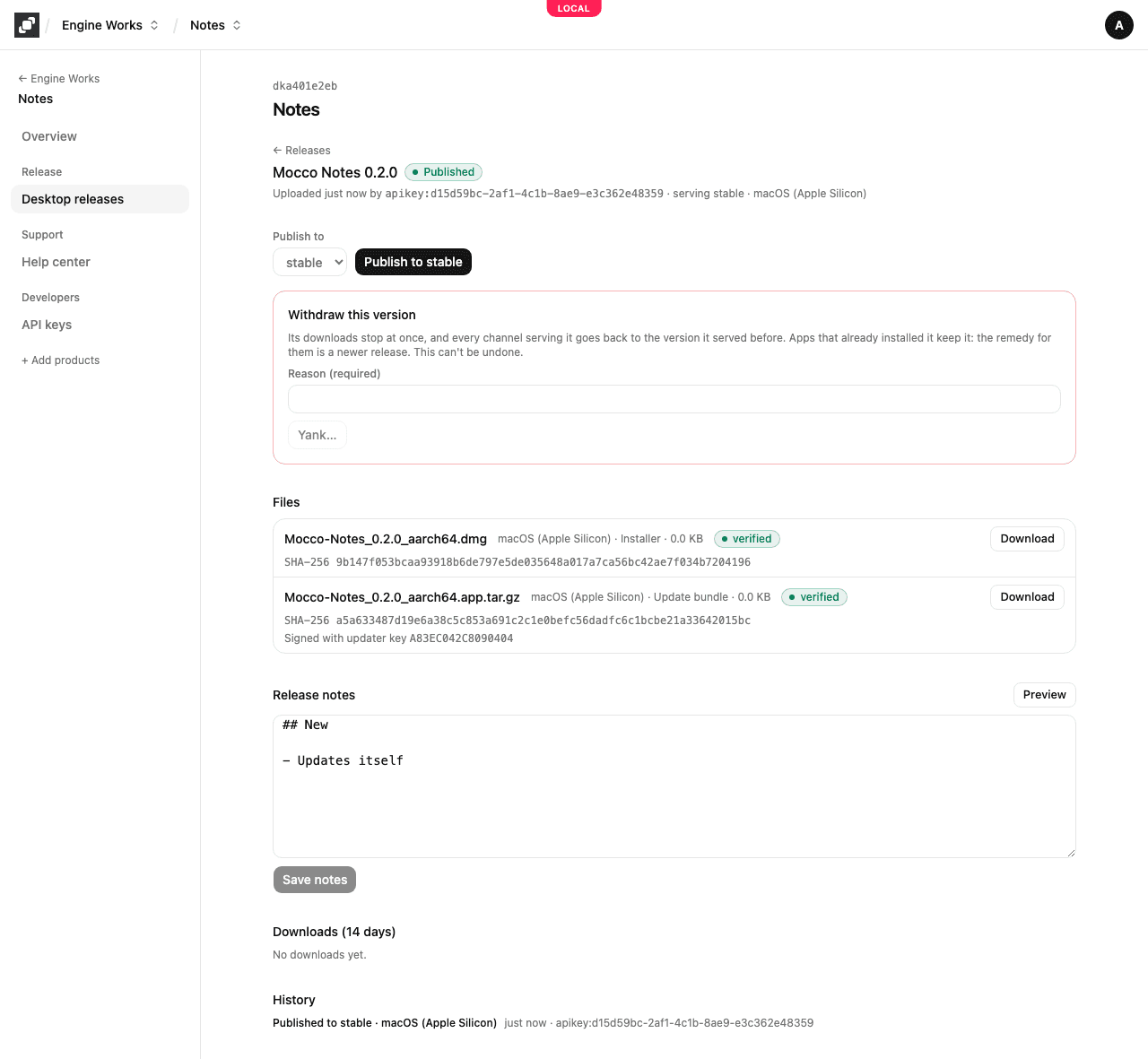
Upload. CI declares the version and its files, uploads each file straight to storage, and finalizes. Running the job again for the same version resumes it: files already checked aren't uploaded again.
Verify. Mocco checks each file's size and SHA-256, and checks the update bundle's signature against your app's updater public key. Until every file passes, the release can't be published. When one fails, the release says which file and why.
Publish. You publish a verified release to a channel (
stable), from CI or in the console. A channel serves one version per platform, and only a newer version can replace it, because Tauri only installs newer versions.Withdraw. Yank stops a bad version at once: its downloads stop, and the channel goes back to the version it served before. Apps that already installed it keep it, so the fix for them is a newer release.
What Mocco holds, and what it never holds
Mocco keeps your builds, privately, and serves them only after you publish them. Drafts are visible only to your workspace's members.
Mocco holds your app's updater public key and the signatures your CI made. It never holds the private key and never signs anything. Installed apps check every update against the key compiled into them, so Mocco can't make them install a build you didn't sign.
Code signing and notarization (Developer ID on macOS) are yours, done in CI before the upload.
By default every build is kept. You can choose to delete failed uploads and drafts after some days (Setup → Retention). Published versions are never deleted.
Next
Publish a Tauri app: set up the app, the updater and the release workflow.
Publish with curl: the same steps from any CI, without the Action.